Turn your Bio Site into a storefront with Product Links
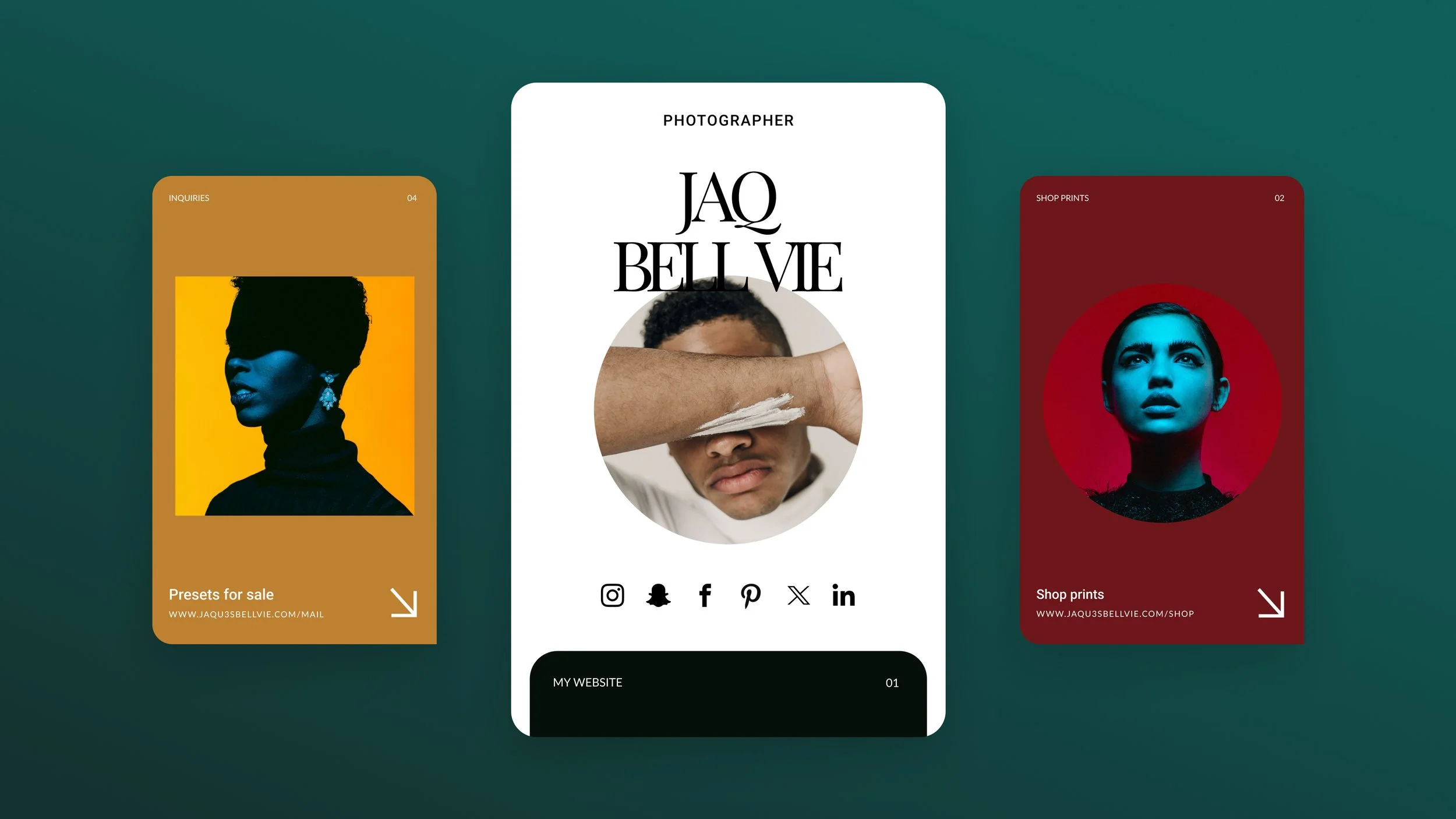
People discover your products on social media long before they ever reach your website. That’s why your link-in-bio needs to work like a storefront. Product Links help you do exactly that by turning your Bio Site into a visual store where followers can browse your products and tap through to buy in a few seconds.
Everything is laid out in a clean, mobile-first grid that’s easy to explore. And because it’s powered by Squarespace, your storefront looks polished the moment it goes live.
What Product Links do
Product Links pull your products and merch into one organized space on your Bio Site. It’s like visual merchandising for your link-in-bio. What’s great, is that you can showcase your products and group them into curated collections (e.g. new in, Black Friday sales).
If you sell through Squarespace, just connect to import your products in seconds. And if you sell somewhere else (e.g. Etsy, TikTok shop or across multiple platforms) you can add links manually. It’s a super simple way to bring your storefront together.
Why creators use Product Links
It feels like a curated shopping experience: Show your products in a visual way and build seasonal edits.
Import your Squarespace products fast: If you already use Squarespace Commerce, setup is almost instant. All your product details pre-load.
Works with any selling platform: Wherever your products live, you can link them.
Built for mobile customers who want to buy quickly: Your followers are already browsing on their phones. Give them a shopping experience designed for on-the-go shopping.
10 catalogs to create with Product Links
New in
Back in stock
Bestsellers
Seasonal edit (e.g., Fall Favourites, Summer Shop)
Black Friday picks
Holiday gift guide
Limited drops
Under $25/under $50
Pre-orders
My favorites
How to add Product Links to your Bio Site
On web:
Step 1: Create or log in to your Bio Site.
Step 2: In Add More Sections, select Product Links.
Step 3: Import products from Squarespace, or add links manually.
Step 4: Choose your layout (buttons, cards, advanced)
Step 5: Reorder your catalog to highlight key items.
Step 6: Publish your updates.
Tips for high-converting Product Links
Put your bestsellers at the top (people trust what’s already popular).
Use consistent images to create a cohesive look.
Keep product names short and clear.
Group related items into small collections.
Refresh your catalog when you launch something new.
Match your Bio Site’s colors and fonts to your website style.
Build your storefront with Bio Sites
With Product Links, your link-in-bio becomes a curated window display that sits between your social content and your ecommerce store.
Create your free Bio Site and start building your storefront today.