Book More Clients: The Creator’s Guide to Bio Sites Appointments
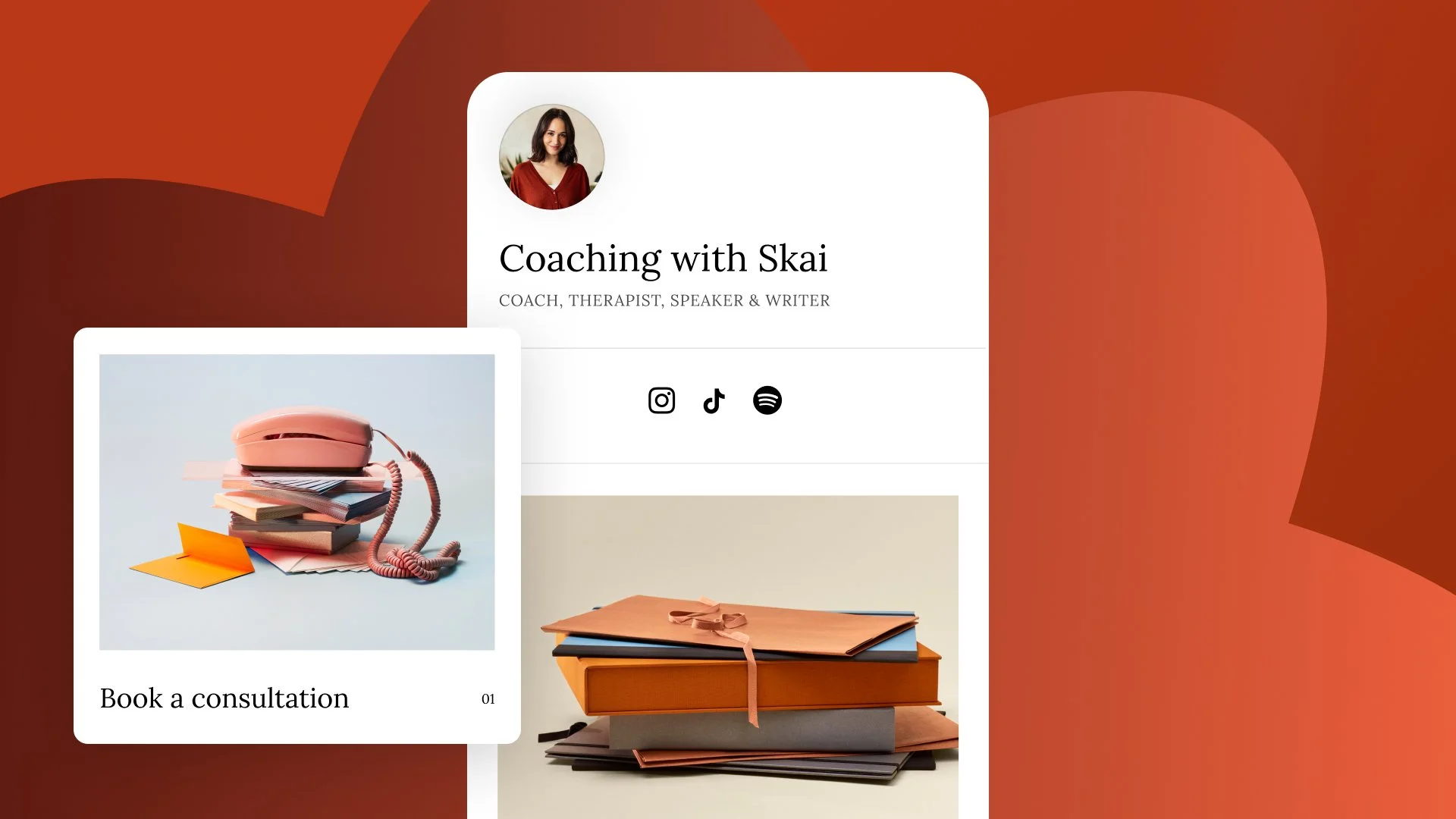
If you offer 1:1 coaching, photography sessions, or consultations, you know the pain of the "DM dance."
"Are you free Tuesday?"
"No, how about Thursday?"
"What time?"
It’s time to retire the manual scheduling. With Bio Sites Appointments, you can let your followers book time with you directly from your link in bio.
Why Automation Wins
Reduced Friction: Every extra step costs you a sale. Letting a client tap, select a time, and book in seconds increases conversion rates.
Seamless Payments: Chasing down invoices or sending awkward Venmo requests is a massive pain point. With Bio Sites, you can require payment upfront so you get paid at the exact moment the client books their slot.
Professionalism: A clean, integrated booking interface looks far more legitimate than a messy text thread.
No Double Booking: Your availability is automatically managed, so you never accidentally overcommit your time.
How to Set It Up In the Bio Sites editor, select the Appointments block. From there, you can customize your single appointment offering by setting your session duration, your price, and your available hours.
Pro Tip: Because Bio Sites offers one dedicated appointment type, it's important to align it with your current monetization strategy. If your primary goal is lead generation, set your price to $0 and use the block to schedule free "Discovery Calls." If you want to drive immediate revenue, set a premium price and offer high-value "Deep Dive Sessions" or 1:1 consulting.
Ready to get booked? Add the 1:1 Appointments block to your Bio Site today. Create your free Bio Site and start building today.