The Agency Playbook: Managing Multiple Client Links in Bio with Bio Sites
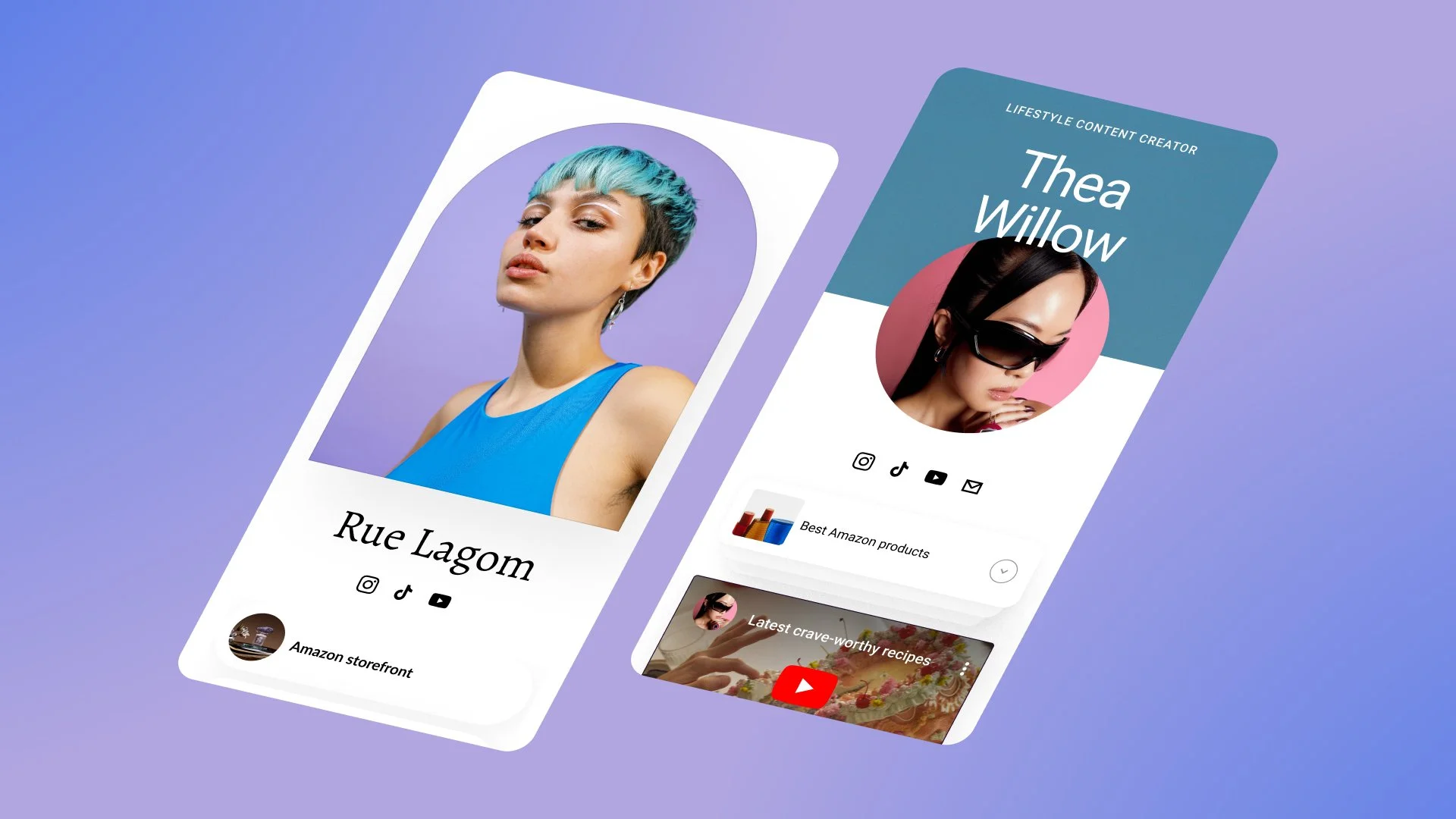
If you manage creators or brands, you know the link in bio can make or break a campaign.
But juggling a dozen different tools, logins, and tracking spreadsheets quickly turns into chaos. You need a way to standardize strategy while still honoring each client’s unique brand.
That’s where Bio Sites becomes your agency’s secret weapon.
Step 1: Standardize Your “Core Layouts” by Goal
Most of your clients fall into a few major goal buckets:
Monetize digital products
Book services or appointments
Grow email lists or communities
Drive traffic to brand content
Create one “base layout” Bio Site for each core goal. Each layout might include:
A hero section tailored to the goal
Recommended blocks (digital downloads, appointments, mailing list, product links)
A standard analytics checklist
Then, duplicate and customize for each client — saving you hours on every setup.
Step 2: Create a Simple Naming and Tagging System
When you’re managing multiple Bio Sites from one account, naming matters.
Use a consistent pattern, like:
ClientName – Primary
ClientName – Launch Q3
ClientName – Event Funnel
This makes it easy to:
See at a glance which Bio Site is live
Spin up temporary variants for campaigns
Keep archives without confusion
Step 3: Build “Campaign Mode” Bio Sites for Sponsored Work
For influencer and brand partnerships, create campaign‑specific Bio Sites.
For example:
“ClientName x Brand – Fall Launch”
Inside, include:
The brand’s hero offer
A short note from the creator about why they love it
Any digital bonuses or guides the creator is including
A mailing list form for future retargeting
During the collab window, make this the primary link in bio. Afterwards, archive or adapt it into a case study.
Step 4: Report Using Built‑In Analytics
Clients want proof.
Use Bio Sites analytics to:
Show click‑throughs on sponsored links
Identify high‑performing sections and CTAs
Recommend layout changes based on real behavior
You can turn these insights into:
Monthly or quarterly reports
Retainer‑justifying strategy decks
Upsell opportunities (e.g., “Let’s build a dedicated product funnel page next”)
Step 5: Turn Bio Site Builds into a Billable Service
Don’t treat link in bio work as free scope creep.
Package it as:
A “Conversion‑Optimized Bio Site Build” project
A monthly optimization add‑on (A/B testing sections, refreshing for campaigns)
A launch add‑on whenever clients drop new products or collections
Clients get a measurable upgrade to a critical asset. You get recurring revenue.
Turn Your Agency’s Link in Bio Chaos into a System
When you manage multiple creators or brands, a scattered approach to links in bio quietly drains performance.
Systematize everything with Bio Sites: one account, up to 10 Bio Sites, and a repeatable playbook that makes you look like the conversion pro you are.