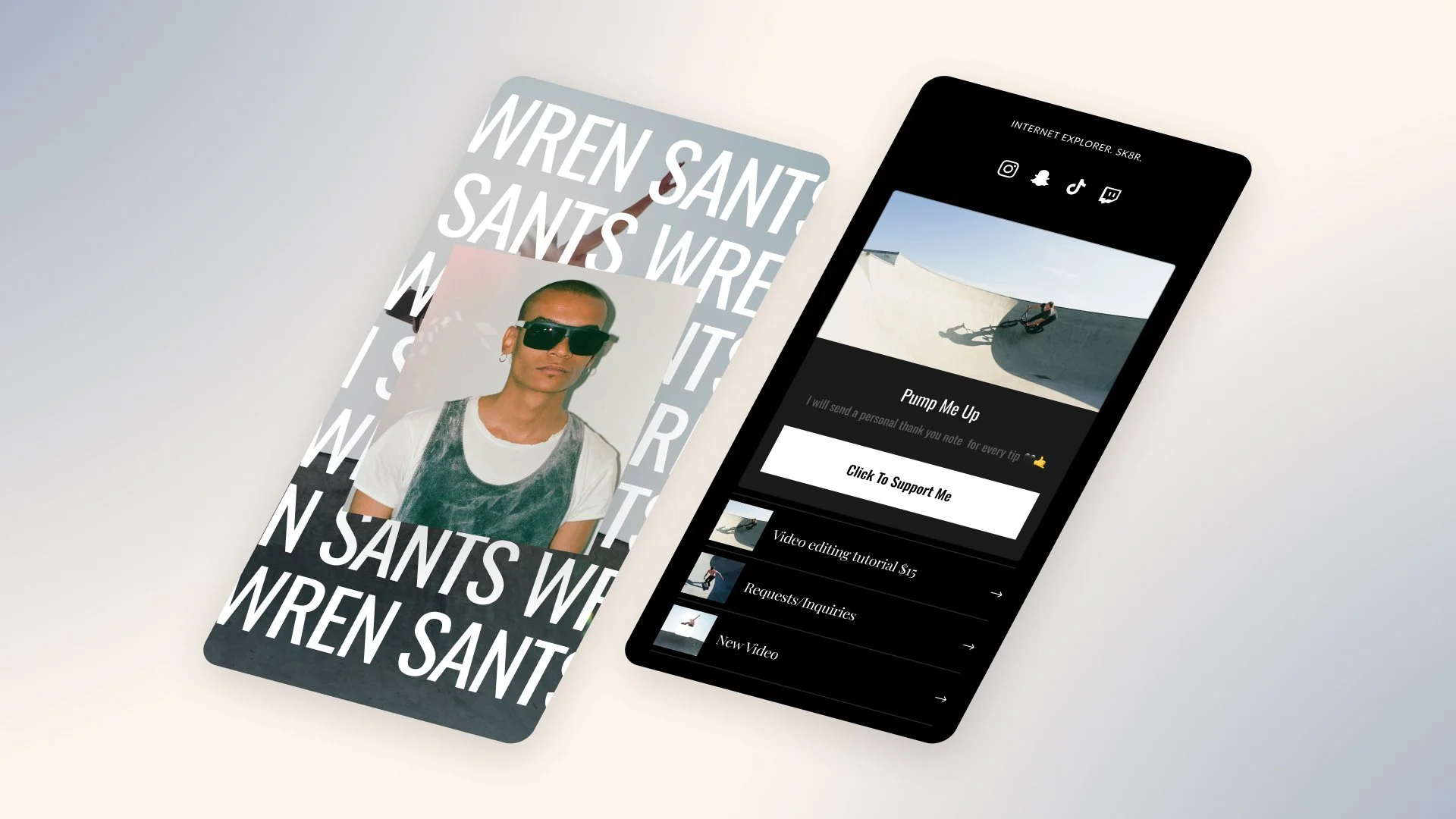
Accessibility isn’t just a legal or technical topic — it’s about making sure more of your audience can actually use what you create.
When your Bio Site is accessible:
More people can understand your offers
Fewer visitors bounce out of frustration
Brands and partners see you as more professional and inclusive
Here’s how to improve accessibility on your link in bio with simple, creator‑friendly steps.
Step 1: Choose Readable Fonts and Sizes
On a phone screen, tiny or overly decorative fonts become nearly impossible to read.
Aim for:
Clear, sans‑serif or clean serif fonts for body text
Strong size contrast between headings and body text
Limited use of all‑caps (reserve for short labels, not full paragraphs)
If you have to squint to read your own Bio Site, your visitors will, too.
Step 2: Use High Contrast Between Text and Background
Light gray text on a pastel background may look aesthetic — but it’s hard to read, especially in bright daylight.
Best practices:
Dark text on light backgrounds, or vice versa
Avoid placing text directly on busy photos
Use solid color overlays behind text when using imagery
Your design should never force someone to work to understand your words.
Step 3: Make Buttons and Links Easy to Tap
Remember: your Bio Site is viewed on fingers, not cursors.
To help:
Give buttons enough padding so they’re easy to tap
Avoid placing multiple tiny links right next to each other
Make important links look clickable and distinct from regular text
If someone has to zoom in to tap, they’re more likely to give up.
Step 4: Write Descriptive Link and Button Text
Screen readers and skimmers both benefit from clear labels.
Instead of:
“Click here”
“More”
use:
“Download the meal plan PDF”
“See all podcast episodes”
This helps everyone — not just people using assistive technology — understand where each link leads.
Step 5: Keep Your Structure Logical and Predictable
An accessible Bio Site has a clear structure:
Introduction
Primary action (product, appointment, or newsletter)
Additional sections, grouped by theme
Avoid randomly mixing unrelated content. When visitors know what to expect as they scroll, they feel more in control.
Step 6: Avoid Flashing or Distracting Elements
Rapidly flashing visuals, aggressive animations, or auto‑playing media can be overwhelming or even harmful for some visitors.
If you embed video or audio:
Keep auto‑play off where possible
Make controls obvious so people can start/stop easily
Respect your audience’s attention and comfort.
Build a Bio Site Everyone Can Use
An accessible link in bio doesn’t limit your creativity — it amplifies it.
Use Bio Sites to build a page that’s not just beautiful, but truly usable for the widest possible audience.